Skip to content

New · 4K render for catalogs

Compose a layout. Render it in 4K. Put it in your catalog.

Build the layout in the app, render it in 4K, and use the same image in print, on your website and at the trade show.
CollectionSample Showroom
Statuario
Mousy Mountain
Grey Marble
Canova
Onyx
Calacatta

Illustration: a catalogue page laying out six marbles in a grid.

How it works

Layout, 4K, catalogue.

  1. 01

    Compose a layout

    Arrange your marbles and tiles in the app the way you want them to appear.

  2. 02

    Render it in 4K

    Visionum renders the layout at 4K, sharp enough to read the veining up close.

  3. 03

    Put it in your catalogue

    Drop it into a print or digital catalogue, your website or your social posts.

Detail
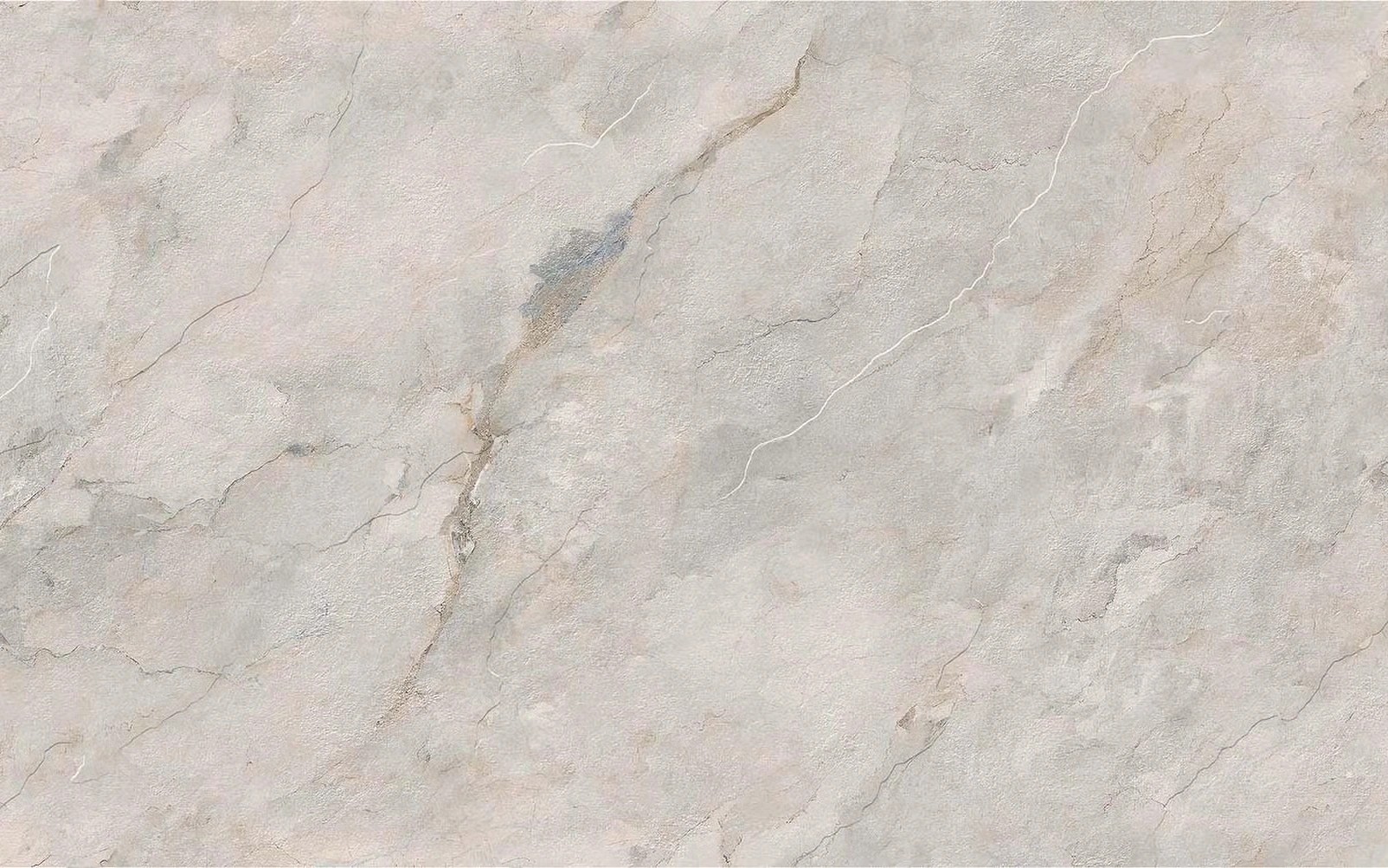
Close enough to read the veining.

A catalogue page is looked at up close. Zoom in and every vein and texture holds up.
Scroll or pinch to zoom. Drag to move. Double-tap to jump in.

Where it goes

One sharp master. Every place you sell.

Print catalogue

Full-page spreads that hold up in print.

Website

Product pages that show the real surface, not a thumbnail.

Social

Posts and stories cropped from one sharp master.

Trade show

Large-format panels and screens for your stand.

Specs

The details.

This feature is new. Ask us about anything not listed yet.
Output resolution
4K
Included in plans
Talk to us
What a layout is (room composition or multi-product catalogue page)
Talk to us
Output formats (image or PDF)
Talk to us
Marbles or tiles per layout
Talk to us
Saved to History
Talk to us

Request a demo

Make your next catalogue in the app.

See Visionum with your own catalogue. We'll set up a demo around the marbles and tiles you actually sell.

Compare plans